Platform Hub is a new capability in Octopus that helps platform teams standardize how software is delivered across teams using connected templates and enforceable policies. Together, these features create a governance layer for software delivery, making it easier for platform teams to scale best practices, reduce drift, and deliver with confidence.
You can create and manage your templates and policies from Platform Hub.
- Process templates are reusable sets of deployment steps that can be shared across multiple spaces in Octopus Deploy
- Project templates are reusable project blueprints that teams can use as a starting point for new projects. Teams supply the required parameter values but can’t modify the deployment process.
- Policies in Octopus are designed to ensure compliance and governance by default, making enforcing pre- and post-deployment controls at scale easier.
To access Platform Hub, users must have PlatformHubEdit and PlatformHubView permissions enabled. These permissions can only be assigned to system teams. System administrators and system managers have PlatformHubEdit and PlatformHubView permissions enabled by default.
To get started, configure your version control.
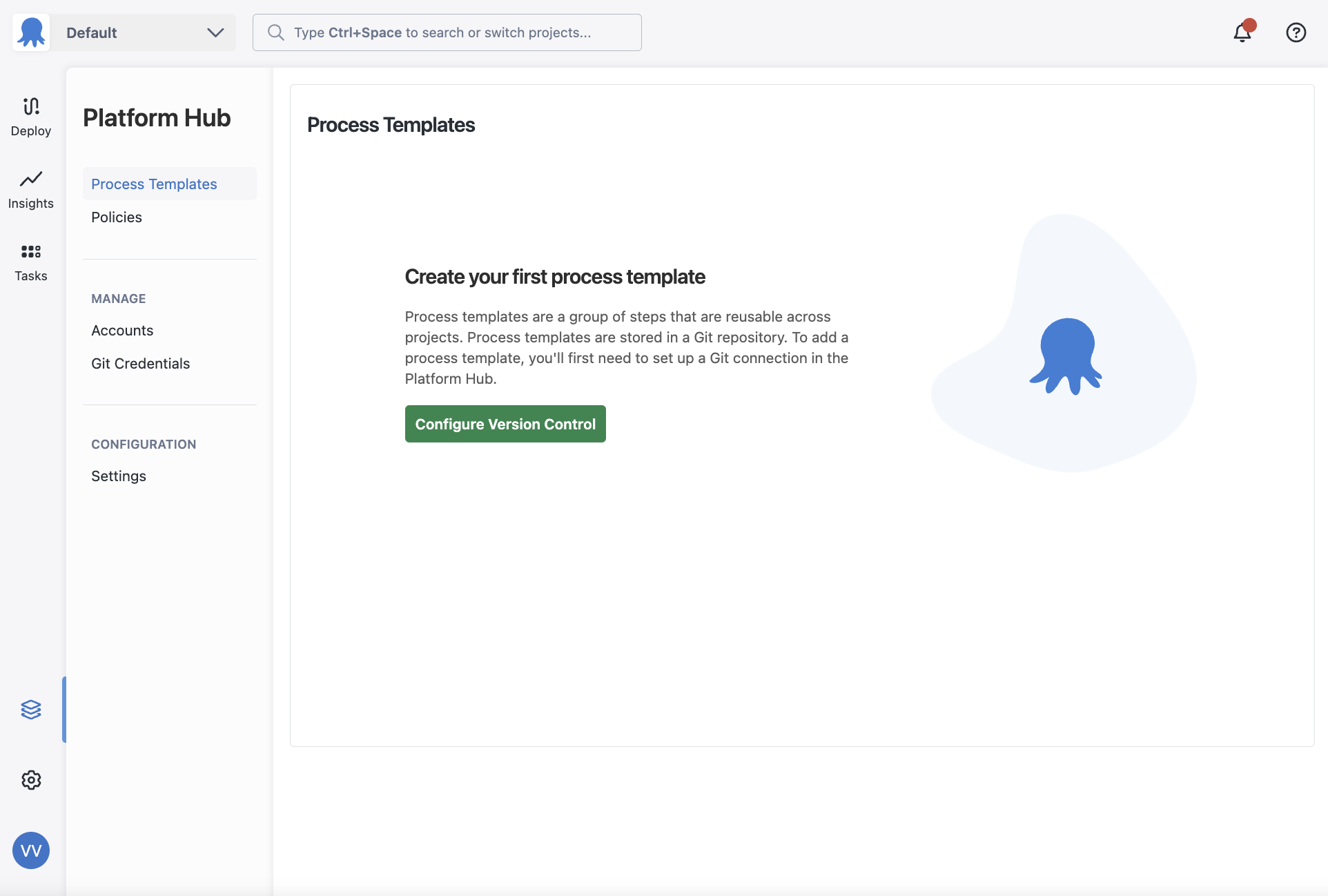
This Git repository will be used for all features in Platform Hub.
Accounts in Platform Hub
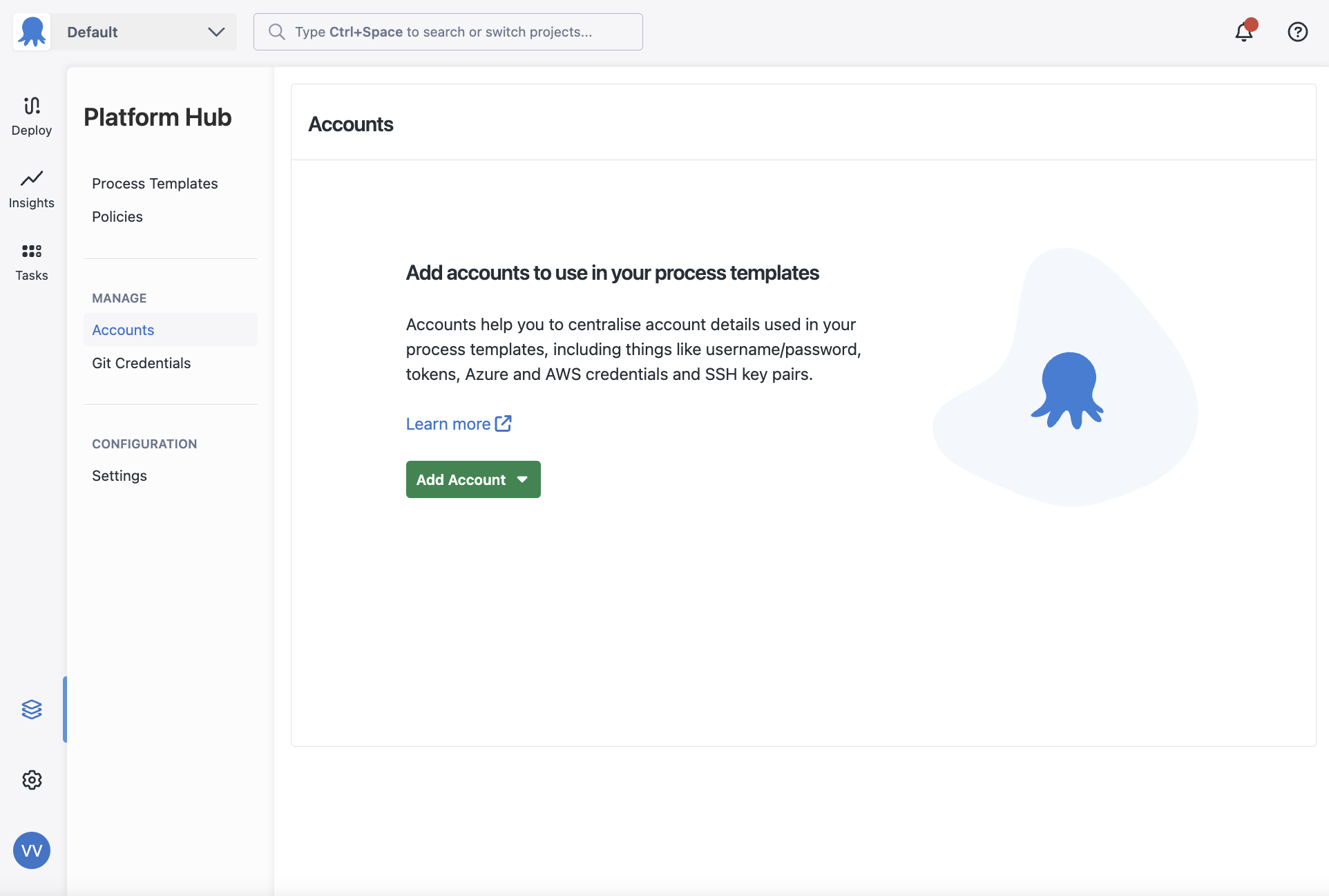
You can create and manage accounts in Platform Hub that can be used inside templates.
You can create the following account types by visiting the Accounts area in Platform Hub.
- AWS Accounts
- Azure Accounts
- Google Cloud Account
- Username/Password
- Generic OIDC
To use these accounts inside a process template, you must create a parameter that references these accounts first.
Git Credentials in Platform Hub
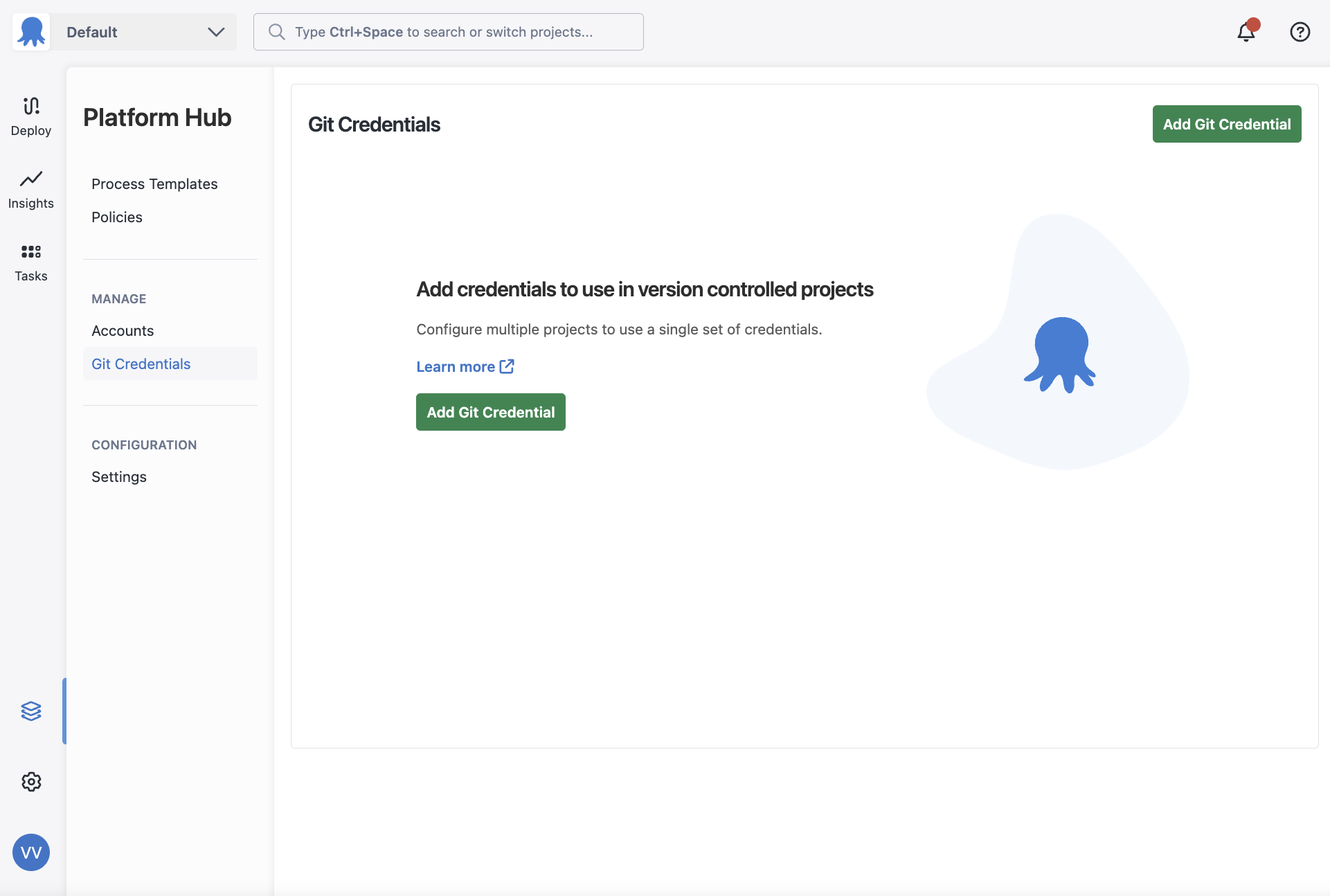
You can create and manage Git credentials in Platform Hub by visiting the Git credentials area in the Platform Hub navigation menu. You can use Git credentials inside your templates by selecting them from a dropdown in the step field that requires them.
GitHub App Connections in Platform Hub
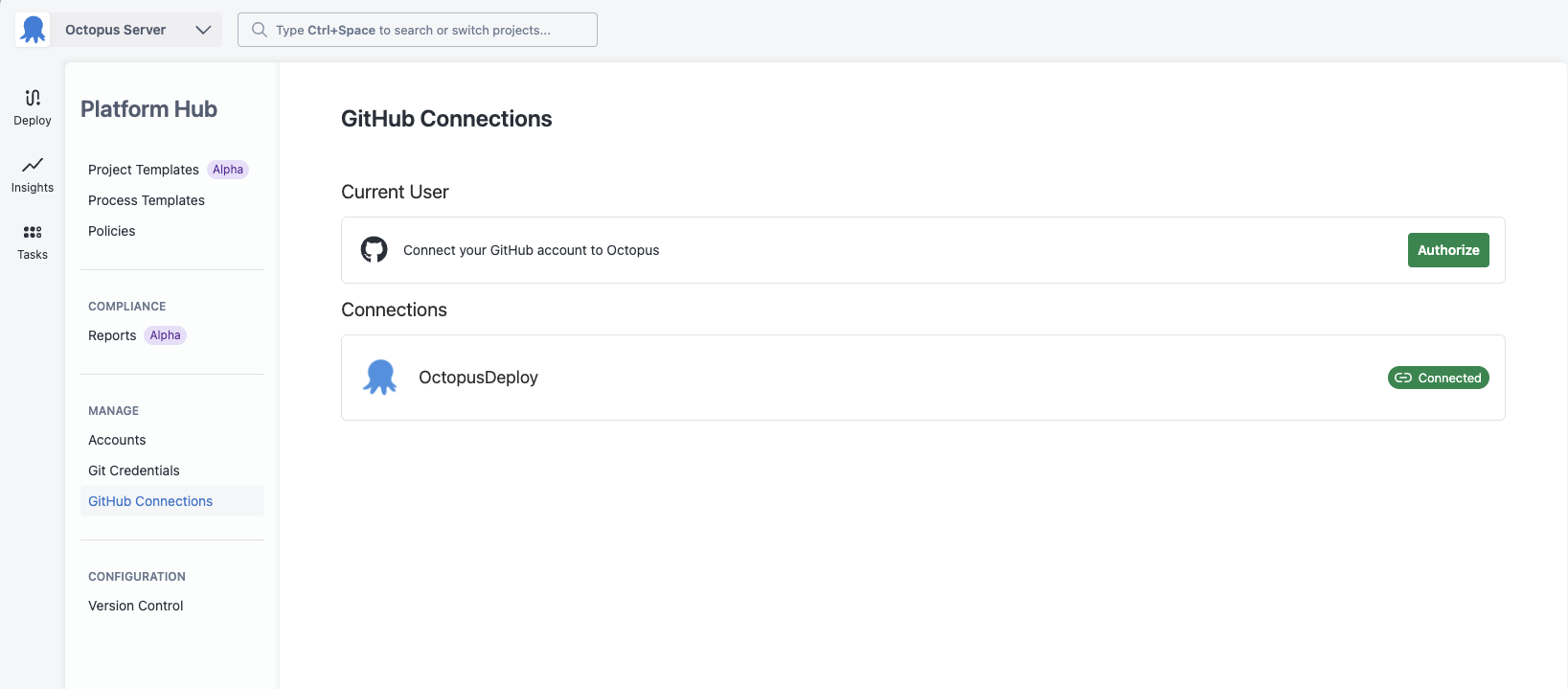
You can connect your GitHub accounts to Platform Hub using the Octopus GitHub App. This lets you use a GitHub App Connection when configuring Platform Hub’s version control settings, without needing a personal access token.
GitHub App Connections in Platform Hub can only be used to configure Platform Hub’s version control settings. These GitHub Connections are scoped only to Platform Hub, and cannot be used in spaces. They also cannot be used in steps in process templates or project templates currently.
Set up a GitHub App Connection
To configure a GitHub App Connection in Platform Hub, navigate to GitHub Connections and follow the same steps as connecting a GitHub account in a space.
Use a GitHub App Connection for version control
Once you’ve configured a connection, you can select it when setting up Platform Hub’s version control.
- Navigate to Version Control in Platform Hub.
- Select “GitHub”.
- Under GitHub Repository, choose your GitHub Connection and the repository where your Platform Hub configurations will be stored.
- Save your settings.

Help us continuously improve
Please let us know if you have any feedback about this page.
Page updated on Thursday, November 20, 2025